Good notes are the foundation of effective studying. But between fast-paced lectures, dense readings, and back-to-back classes, keeping up with your notes — let alone organizing them — can feel impossible. AI has changed that. Here's how to use it to take better notes, faster.
Why most students struggle with note-taking
Traditional note-taking has a few common failure points:
- Writing too much: Trying to capture everything means missing the key points
- Writing too little: Sparse notes leave gaps when it's time to review
- Poor organization: Notes that aren't structured are hard to use later
- No review: Notes only help if you actually go back to them
AI doesn't solve all of these problems on its own — but it addresses most of them.
The two main AI note-taking approaches
1. AI-assisted summarization (after the fact)
This is the most practical starting point. You take notes as usual — or just attend class and keep up with the reading — then use an AI tool to:
- Summarize long readings before or after class
- Turn rough, bullet-point notes into structured summaries
- Extract key concepts from dense academic texts or PDFs
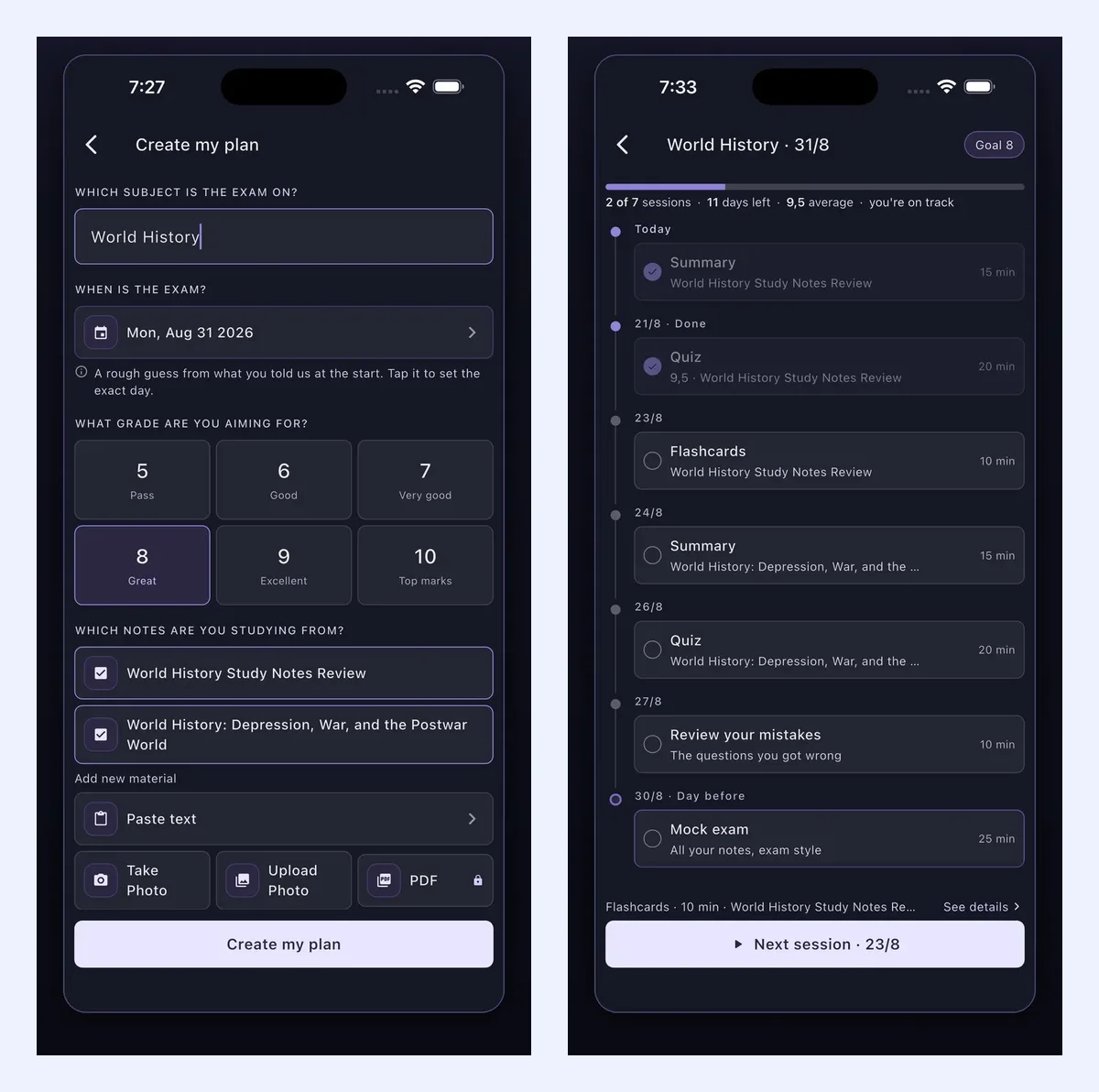
Synt works particularly well here. Upload your lecture slides, a PDF chapter, or any text file and get a clean, structured summary that captures what actually matters. It's especially useful before an exam, when you need to quickly review material you haven't touched in weeks.
2. Real-time AI note assistance
Some tools now help you structure your thoughts as you write, not just after. This includes:
- Notion AI: As you type notes in Notion, the AI can suggest summaries, fill in gaps, or reformat your content into cleaner structures
- ChatGPT: Paste your rough notes and ask it to reorganize them into a study guide, create practice questions from them, or explain confusing concepts
A practical AI note-taking workflow
Here's a workflow that combines human effort with AI assistance effectively:
Before class or reading
- Use Synt or another summarizer to get a brief overview of what you're about to study
- Skim the summary to identify the main topics and any unfamiliar terms
- Look up the unfamiliar terms before class so you follow along better
During class or reading
- Take brief, focused notes — don't try to write everything. Students who transcribe a lecture almost verbatim do worse on conceptual questions than those who process and condense it (Mueller & Oppenheimer, 2014)
- Focus on: main arguments, key definitions, examples, anything the professor emphasizes
- Mark anything you don't understand with a
?to review later
After class
- Upload your notes or the course material to Synt to get a structured summary
- Compare the AI summary with your own notes — gaps in the AI output often highlight what's most important
- Add the key points to Anki or your preferred flashcard tool for spaced repetition review — spreading reviews over days beats one long session, as a meta-analysis of 317 experiments confirms
What to put in your notes (and what to leave out)
AI is better at capturing raw information than identifying what's genuinely important for your course. Use your judgment for:
Include:
- Main arguments and conclusions
- Definitions of key terms
- Formulas, dates, names (when they matter)
- Examples that clarify a concept
- Your own questions and observations
Leave out:
- Word-for-word transcriptions of slides
- Repeated examples that illustrate the same point
- Background information that isn't tested
Tools worth combining
| Tool | Best use in notes workflow |
|---|---|
| Synt | Summarize readings and generate structured overviews |
| Notion AI | Organize and reformat notes as you write |
| ChatGPT | Explain difficult concepts, generate practice questions |
| Anki | Turn key points into flashcards for long-term retention |
| Obsidian | Link notes together to build a knowledge base |
Common mistakes to avoid
- Relying entirely on AI summaries without reading at all: Summaries are a starting point, not a replacement
- Not reviewing your notes within 24 hours: Research shows retention drops dramatically without early review — a modern replication of Ebbinghaus's forgetting curve found most of the loss happens within the first day (Murre & Dros, 2015)
- Keeping notes in too many places: Pick one system and stick with it
- Ignoring your own confusion markers: If you wrote
?next to something, that's exactly what to study
Conclusion
AI doesn't take notes for you — it helps you take better ones. Whether you use it to summarize dense readings before class, organize rough notes afterward, or generate practice questions before an exam, the result is less time wrestling with information and more time actually learning it.
Try starting with your next reading: upload it to Synt and let the summary guide your note-taking.