PDFs are everywhere — study materials, research papers, work reports, technical manuals. And rarely do you have time to read them all from cover to cover. If you've ever stared at a 30-page PDF and thought "I just need the key points," this guide is for you. We cover the manual techniques first, and then when it is faster to hand the job to an AI PDF summarizer.
Why summarizing a PDF is different from other texts
PDFs present unique challenges:
- They often have dense formatting: tables, footnotes, multi-column layouts
- Content can't always be copy-pasted cleanly
- They range from a single page to hundreds
Knowing the right approach — manual or AI-assisted — saves you time and helps you extract what actually matters.
Manual methods to summarize a PDF
Skim before you read
Before reading in full, scan the document quickly:
- The title, abstract, and introduction
- Section headings and subheadings
- The conclusion or final summary (if it exists)
- Any bold text, tables, or key figures
This gives you the skeleton of the document before committing to a full read.
Read actively and annotate
If your PDF reader supports annotations:
- Highlight key sentences
- Add sticky notes to mark important sections
- Use the search function (Ctrl+F / Cmd+F) to locate specific keywords
Tools like Adobe Acrobat, Preview (macOS), or free online readers like Smallpdf allow annotation directly in the browser.
Write a structured summary
After reading, organize your summary in three parts:
- Introduction: What is this PDF about?
- Key points: What are the main arguments or data points?
- Conclusion: What is the main takeaway or result?
Aim to keep your summary at 20–30% of the original length.
Using AI to summarize a PDF
Manual summarization takes time. AI tools like Synt do it in seconds.
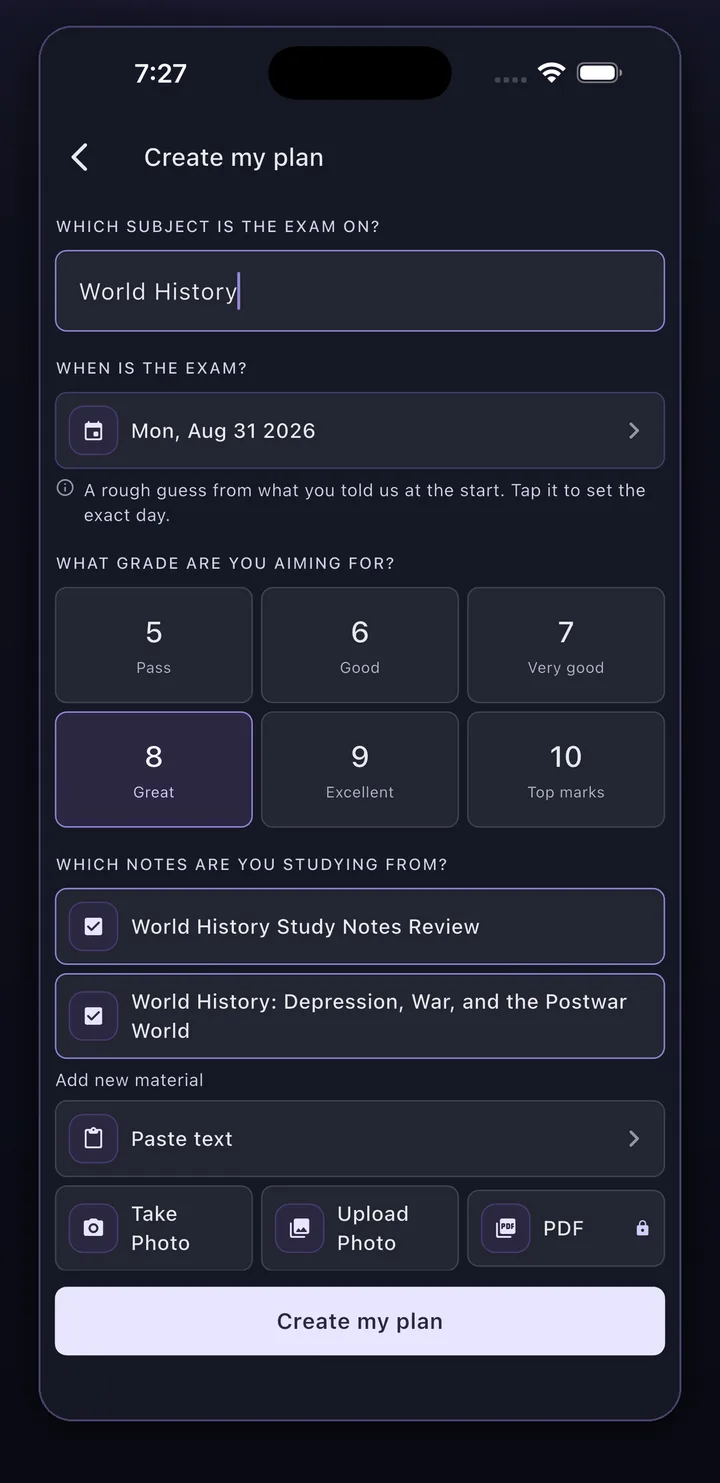
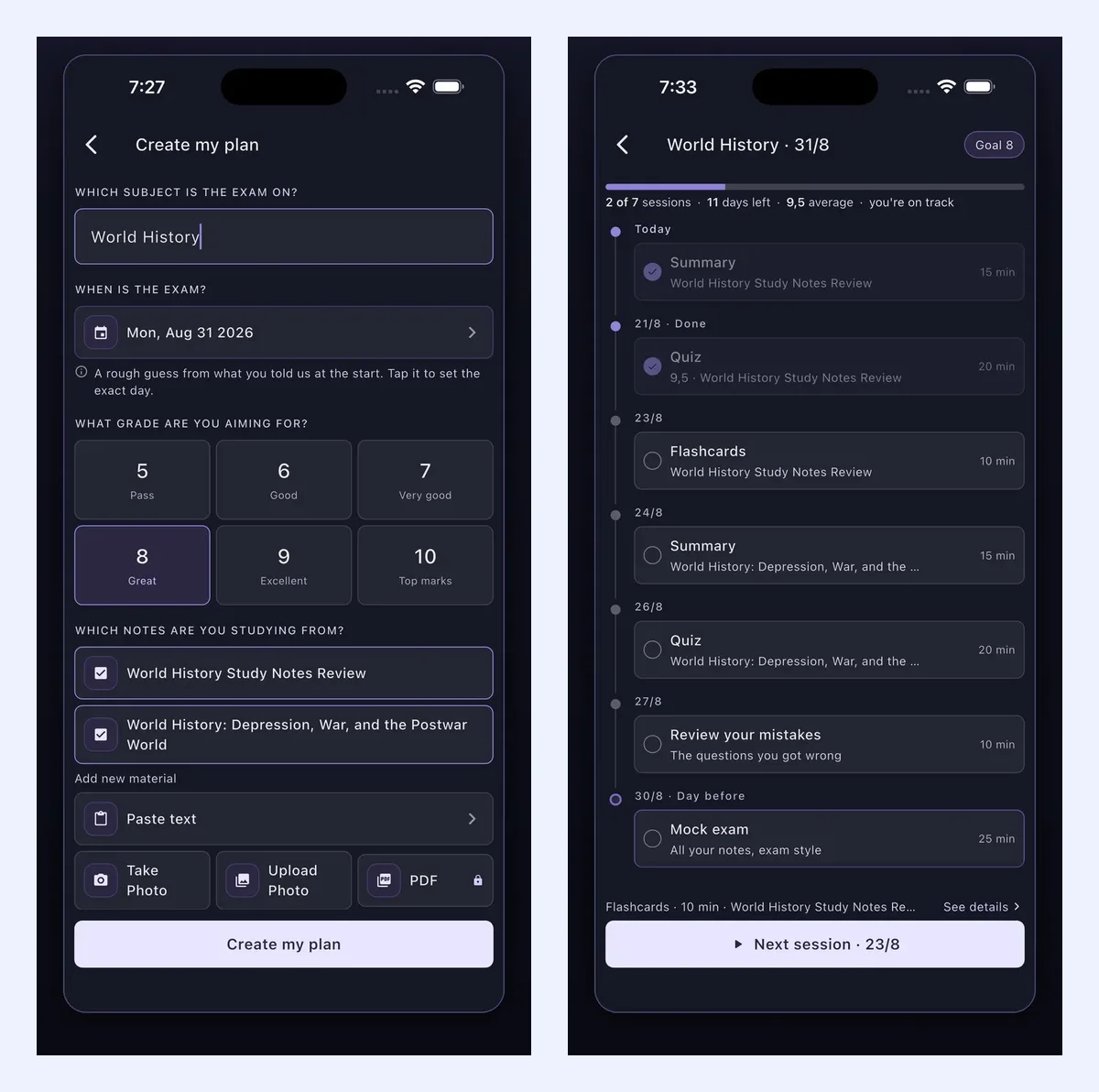
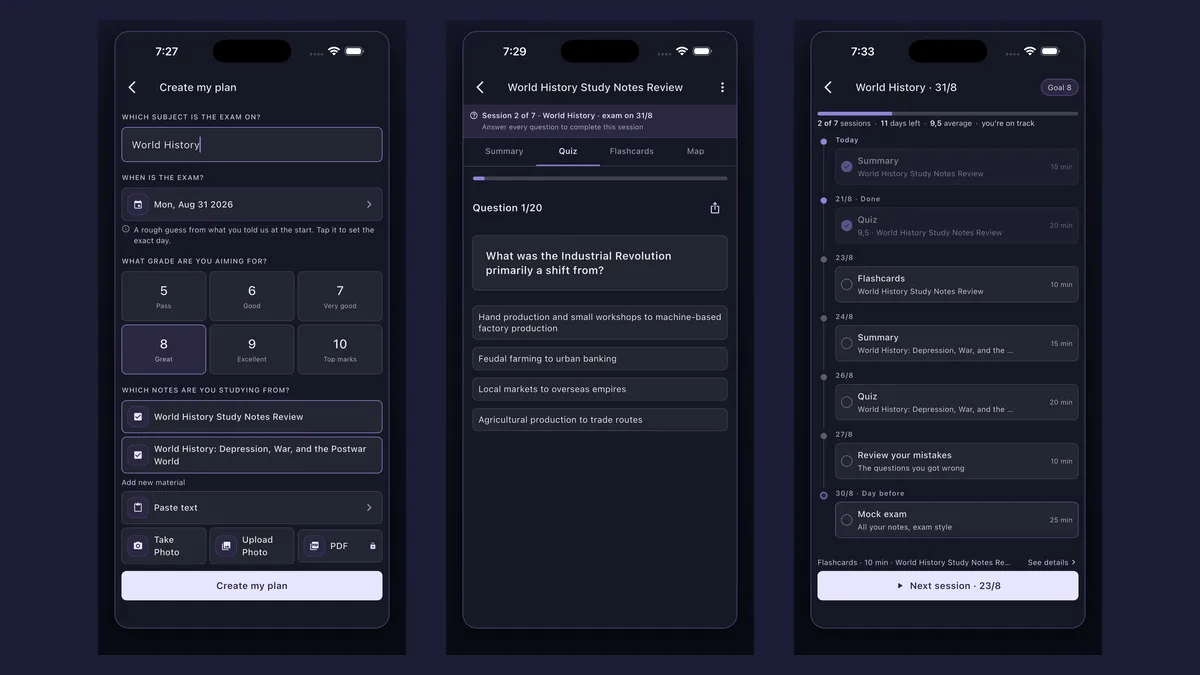
In Synt you add material in three ways: paste the text, take a photo of your notes, or upload the PDF itself. Pasting text and photos are free; uploading PDFs is part of Synt Pro. If what you need from the PDF is study cards rather than a summary, there is a dedicated PDF to flashcards tool.
How AI PDF summarization works
Modern AI summarizers use natural language processing (NLP) to:
- Parse the full text of the PDF
- Identify the most relevant sentences and ideas
- Generate a clean, structured summary
The result is a coherent overview — without you having to read a single page.
When to use AI over manual methods
AI summarization works best when:
- You have multiple PDFs to process at once
- You need a quick overview before deciding whether to read in full
- The document is long or dense — reports, academic papers, legal documents
- You're short on time before an exam or a meeting
Tips for getting better AI summaries
- Upload clean PDFs (not scanned images, which may require OCR processing)
- Choose the summary format that fits your need: short paragraph, bullet points, or section-by-section
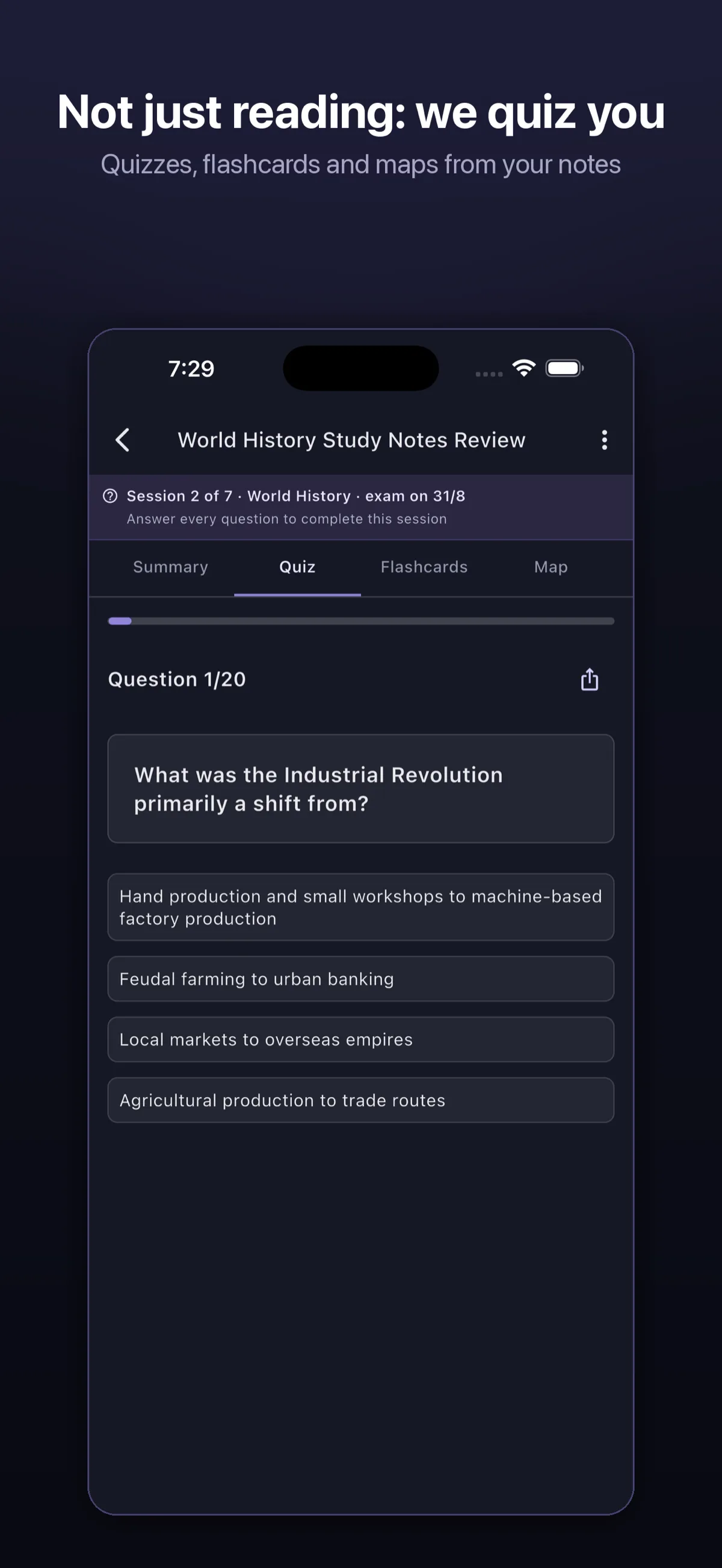
- After getting the AI summary, review and add your own notes to reinforce retention — and then quiz yourself on it: reading a summary is not remembering it, and testing yourself beats rereading by a wide margin a week later (Roediger & Karpicke, 2006); in the Dunlosky et al. (2013) review, practice testing was one of only two techniques rated "high utility"
Common PDF types and the best approach for each
| PDF Type | Best approach |
|---|---|
| Academic paper | AI summary + manual read of methodology |
| Textbook chapter | Section-by-section AI summary |
| Work report | AI bullet-point summary |
| Legal document | Manual read + AI highlights |
| News article or long read | Short AI paragraph summary |
What to avoid when summarizing a PDF
- Skipping the conclusion: It often contains the most essential takeaways.
- Over-relying on bullet points: Some nuance gets lost — combine with short paragraphs.
- Ignoring figures and tables: They often hold key data not repeated in the main text.
- Using the wrong tool: Not all AI summarizers handle PDFs well. Choose one built for documents.
Conclusion
Whether you do it manually or with AI, summarizing a PDF is about extracting what matters and discarding what doesn't. The right approach makes that process fast, accurate, and effortless.
Ready to try it? Upload your first PDF to Synt and get a structured summary in seconds.